
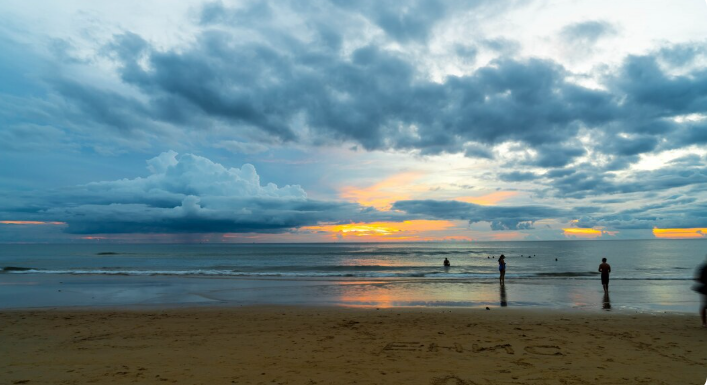
If you want to see current conditions before visiting the Gulf Coast, a beach cam englewood fl can provide a convenient real-time look at the shoreline, water, sky, and overall beach atmosphere. Englewood Beach is located on Manasota Key along Florida’s southwest coast, and live cameras can be especially useful for checking weather changes, visibility, crowds, sunsets, and general conditions before heading out.
Live beach views are valuable because coastal conditions can change throughout the day. A morning may begin with calm skies and light winds, while afternoon thunderstorms, stronger winds, or rougher water may develop. Checking a camera shortly before leaving can give visitors a visual reference that complements weather forecasts and other official information.
Why Check a Live Beach Camera?
A live camera provides information that a standard forecast cannot always communicate visually. Weather apps may tell you the temperature, wind speed, or chance of rain, but a camera can show what the beach actually looks like.
Visitors may use a live camera to check:
- Current sky conditions
- Beach activity
- Water appearance
- Visibility
- Wave conditions
- Sunsets
- Rain or storm activity
- General crowd levels
- Whether conditions appear suitable for a beach visit
EarthCam operates a live view of Englewood Beach and describes the camera as providing views of the beach and surrounding coastal scenery.
Understanding Englewood Beach
Englewood Beach is situated on Manasota Key and is one of the area’s best-known Gulf beaches. The local area includes several beaches and coastal parks, including Englewood Beach, Manasota Beach, Blind Pass Beach, and Stump Pass Beach.
The Englewood Chamber lists Englewood Beach at 2100 North Beach Road and identifies a webcam associated with the beach.
The location is attractive for visitors who want a combination of swimming, relaxing, wildlife viewing, sunset watching, and coastal recreation.
A Gulf-Facing Location
Because the beach faces the Gulf of Mexico, conditions can change according to wind direction, storms, tides, and seasonal weather patterns. A live camera can therefore be useful before making plans.
Manasota Key Views
Many cameras in the area provide views beyond the immediate shoreline. Depending on the source, you may find views of the Gulf, beach, marina areas, or nearby waterways.
What Can You See on a Live Camera?
The usefulness of a camera depends on its location and viewing angle, but several details can usually be observed.
Beach Activity
A camera can give you a general idea of how busy the beach appears. During popular weekends or holidays, this can help visitors decide when they would prefer to arrive.
Remember that a camera only captures one area. A quiet view does not necessarily mean every part of the beach is uncrowded.
Water Conditions
You may be able to see whether the Gulf looks calm, choppy, cloudy, or relatively clear.
Visual water conditions can be particularly useful for people planning swimming, paddleboarding, kayaking, or simply spending time near the shoreline.
Weather
Clouds and rain are often immediately visible on a live feed. This can be helpful during Florida’s rapidly changing weather.
A camera should still be combined with a current weather forecast and storm alerts.
Sunset Conditions
Englewood’s Gulf-facing shoreline can provide beautiful sunset views. A live camera can help you see whether clouds are covering the horizon and whether conditions look favorable for watching the sunset.
Best Times to Check the Camera
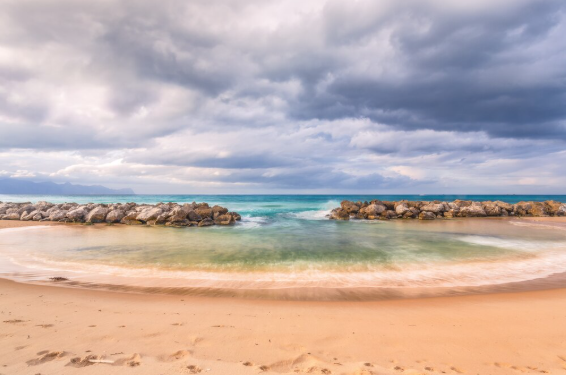
There are several situations when checking a live coastal camera makes particular sense.
| When to Check | Why It Helps |
|---|---|
| Before leaving for the beach | See current conditions |
| Early morning | Check clouds, wind, and beach activity |
| Before swimming | Review visible water conditions |
| Before sunset | See clouds and shoreline activity |
| During storm season | Monitor changing weather |
| Before a weekend visit | Get a general idea of activity |
Before You Leave
Checking shortly before departure is more useful than checking several hours in advance. Coastal weather can change quickly.
During the Afternoon
Florida’s afternoon weather can sometimes be less predictable than morning conditions. If you’re planning a late-day beach trip, checking the camera again can be worthwhile.
Before Sunset
A camera can help you decide whether the sky is likely to provide an interesting sunset view. However, even partly cloudy conditions can produce impressive colors.
Using More Than One Camera
One camera does not tell the complete story of an entire coastal area.
For example, the Pearl Beach Inn provides a beach camera on Manasota Key, while other cameras cover nearby locations.
Another camera provides a view toward Lemon Bay and Chadwick Cove rather than directly toward the Gulf beach.
Comparing different views can help you understand local conditions more accurately.
Gulf View vs. Bay View
A Gulf-facing camera is generally more useful for checking:
- Beach activity
- Gulf water appearance
- Waves
- Sunset conditions
- Shoreline weather
A bay-facing camera can provide useful information about:
- Wind
- Clouds
- Boating activity
- Inland-side conditions
- Waterway visibility
Using both perspectives can provide a broader picture.
What to Check Besides the Camera
A live camera is helpful, but it should not be the only source you use when making a beach-day decision.
Weather Forecast
Check the current forecast for temperature, rain probability, wind, and thunderstorms.
Radar
Weather radar is particularly helpful when storms are developing. A camera may show rain at one location, while radar can help you understand whether a larger storm system is approaching.
Tide Information
Tides can change the appearance and usable width of a beach. A low tide may expose more sand, while high tide can bring water closer to the shore.
Beach Advisories
If you’re concerned about water quality, marine hazards, or other conditions, consult appropriate local or state advisories rather than relying solely on what appears in a camera image.
Planning a Family Beach Day
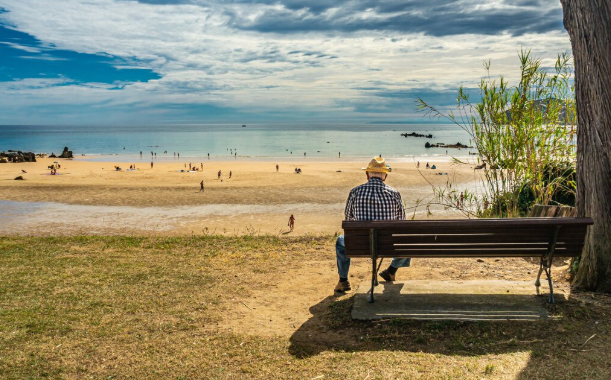
A camera can be especially helpful for families.
Parents may want to check the weather and general beach activity before loading the car. If the camera shows dark clouds or heavy rain, the family may choose to delay the trip.
On the other hand, a clear morning view can help confirm that conditions look promising.
Still, remember that a camera cannot show every potential hazard. Always supervise children around the water and follow posted beach rules.
Planning a Photography Trip
Photographers can also benefit from live coastal views.
A camera can help you observe:
- Cloud formations
- Sunset potential
- Light conditions
- Horizon visibility
- Beach activity
- General atmosphere
Sunrise and sunset photographers should remember that the camera’s view may not exactly match the perspective from their chosen location.
The best photographic conditions can also change rapidly. A cloudy afternoon might produce dramatic colors at sunset, so a less-than-perfect daytime view does not necessarily mean poor photography conditions later.
Checking Conditions During Storm Season
Florida’s coastal weather can change quickly, particularly during periods of thunderstorms and tropical weather.
A camera may provide a useful visual indication that conditions are deteriorating, but it should not replace official warnings.
If severe weather is approaching, prioritize:
- Official weather warnings.
- Lightning information.
- Evacuation or emergency instructions.
- Local beach advisories.
- Personal safety.
Do not remain on the beach simply because a camera still appears calm. Weather conditions can change quickly, and lightning can create serious risks.
Beach Cameras and Travel Planning
Live cameras can also be useful before a longer trip to Englewood.
If you’re staying nearby for several days, you can use cameras as part of a broader daily planning routine.
For example:
Morning: Check the camera and forecast.
Late morning: Decide whether beach conditions are favorable.
Afternoon: Recheck weather radar and the camera.
Evening: Use the camera to see whether sunset conditions appear promising.
This simple routine can help you adjust plans without relying on a single forecast made hours earlier.
Nearby Beaches Worth Knowing
Englewood’s coastal area includes several public beaches and parks. The Englewood Chamber lists Manasota Beach, Blind Pass Beach, Englewood Beach, and Stump Pass Beach among the area’s beach destinations.
If conditions or parking are not ideal at one location, knowing the surrounding options can make trip planning easier.
Manasota Beach
Manasota Key Beach is located farther north on Manasota Key and offers another option for enjoying the Gulf coastline.
Blind Pass Beach
Blind Pass Beach is another coastal destination on Manasota Key and can be considered when planning a quieter beach outing.
Stump Pass Beach State Park
Stump Pass Beach State Park is located toward the southern end of the key and offers a different experience from the developed beach area.
Tips for Getting the Most From a Live Beach Camera
Follow these simple habits when using a camera:
- Check the timestamp or live status when available.
- Compare the camera with the current forecast.
- Look at more than one nearby camera.
- Check conditions again before leaving.
- Remember that the camera only shows one location.
- Use official warnings for severe weather decisions.
- Do not assume clear-looking water is automatically safe for swimming.
- Consider tides when planning shoreline activities.
- Check parking and beach information separately.
- Use cameras as a planning tool rather than a safety guarantee.
Common Mistakes to Avoid
Assuming the Camera Shows the Entire Beach
A fixed camera has a limited field of view. Conditions may be different farther down the shoreline.
Relying Only on the Image
A camera cannot show all hazards, including strong currents, underwater conditions, lightning risk, or rapidly changing weather.
Ignoring Time of Day
A camera image taken in the morning may not represent conditions later in the afternoon.
Confusing Beach and Bay Conditions
The Gulf and Lemon Bay can look very different at the same time. Make sure you understand which direction the camera faces.
Key Points to Remember
- Live cameras provide a useful visual check before visiting Englewood’s beaches.
- Englewood Beach is located on Manasota Key along Florida’s Gulf Coast.
- Different cameras show different parts of the coastal area.
- Gulf-facing views are useful for checking beach and water conditions.
- Bay-facing cameras provide a different perspective.
- Weather forecasts and radar should be checked along with live video.
- Cameras can be especially useful during changing weather.
- A live view should never replace official severe-weather warnings or beach advisories.
- Checking conditions shortly before departure provides the most useful information.
Final Thoughts
A live beach camera is one of the easiest ways to get a visual sense of current conditions before visiting Englewood, Florida. Whether you’re planning a morning swim, a family beach day, a photography outing, or a sunset walk, seeing the shoreline in real time can make planning more convenient.
The best approach is to combine live camera views with weather forecasts, radar, tide information, and local advisories. Checking several nearby cameras can also provide a more complete picture of conditions across Manasota Key and the surrounding coastal area.
With a few minutes of preparation, you can make better-informed plans and enjoy more of what Englewood’s Gulf Coast has to offer.
Frequently Asked Questions
1. Is there a live camera at Englewood Beach?
Yes. Live views are available for Englewood Beach and nearby areas, including a camera associated with the Pearl Beach Inn on Manasota Key and an EarthCam view of Englewood Beach.
2. Can a beach camera show current weather?
A live camera can visually show clouds, rain, sunlight, and general conditions, but it should be combined with a current weather forecast for temperature, wind, storms, and other information.
3. Can I use a camera to check whether the beach is crowded?
Yes, a camera can give you a general idea of activity in the portion of the beach visible on screen. It cannot show the entire beach or provide an exact visitor count.
4. Are there cameras near Manasota Key?
Yes. Several live views are available around Manasota Key, including Gulf-facing and bay-facing perspectives. These can be useful for comparing conditions in different parts of the area.
5. Should I rely on a live camera before swimming?
No. A camera is useful for visual information, but it cannot determine water safety, currents, marine hazards, or other risks. Always follow local beach warnings, flags, posted signs, and official safety guidance.